
A great pitch deck starts with a clear plan. Without a solid design brief, you risk a disjointed narrative and a final product that fails to connect with investors. A weak brief leads to endless revisions. It wastes your time and money.
This guide solves that problem. It gives you proven design brief example templates from platforms like Figma, Canva, and Notion. You get a framework to define your goals, audience, and message from day one.
We will analyze templates from seven top platforms. For each design brief example, you’ll find:
- A strategic breakdown of its strengths.
- Actionable takeaways you can apply today.
- Direct links and screenshots to get started fast.
This is a toolkit for creating a brief that produces a winning pitch deck.
1. Figma (FigJam) – a collaborative canvas
The FigJam Design Brief template is a game-changer for teams in the Figma ecosystem. It turns the brief from a static document into a dynamic, collaborative canvas. It lives right next to your design files. This is a visual workspace for real-time alignment.
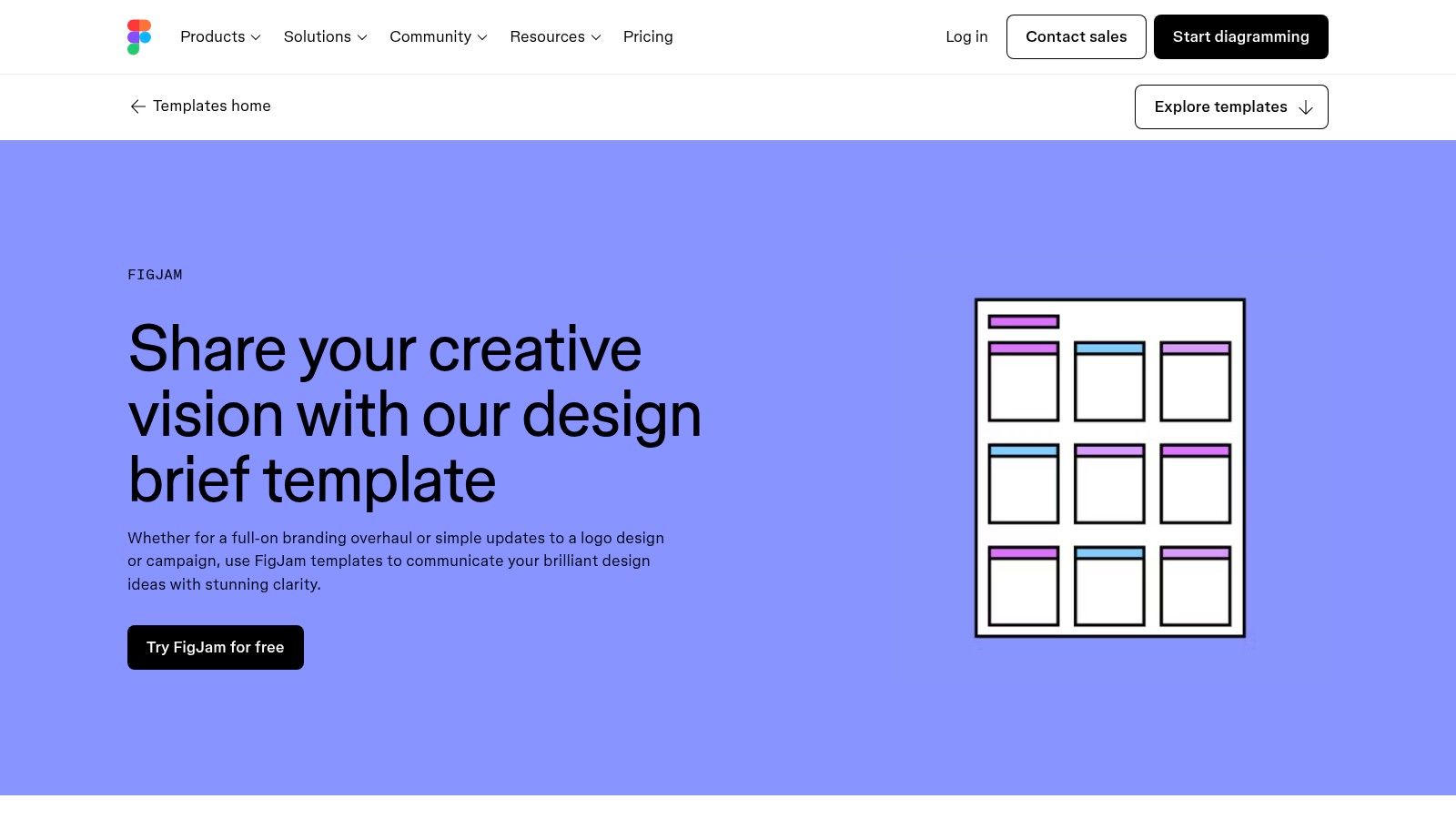
This design brief example integrates directly into your design workflow. You can use sticky notes for ideas, drop in competitor screenshots, and map out user flows on one board. It evolves with the project, ensuring the brief stays relevant.
What it’s good for
- Integrated workflow: The brief connects directly to Figma design files. You can link a user persona to a specific design frame. This eliminates guesswork.
- Visual collaboration: FigJam encourages visual thinking. Create a mood board or empathy map right in the brief. This is vital for conveying the aesthetic of a pitch deck. Professional presentation design services often start with a similar process.
- Easy access: FigJam has a gentle learning curve. The free tier is generous, making it accessible for early-stage startups.
A quick example
Use this template to show project goals, not just state them. Embed video clips of user interviews. Add interactive links to competitor products. Use comments and stamps to get real-time feedback from your team. This ensures everyone is aligned before design work begins.
Get the template: Figma Design Brief Template
2. Canva – accessible to everyone
Canva makes the design brief process easy for non-designers. It combines an intuitive document editor with a huge template library. This transforms the brief from a technical doc into an engaging, visual guide. It’s ideal for teams where marketing and sales need to contribute.
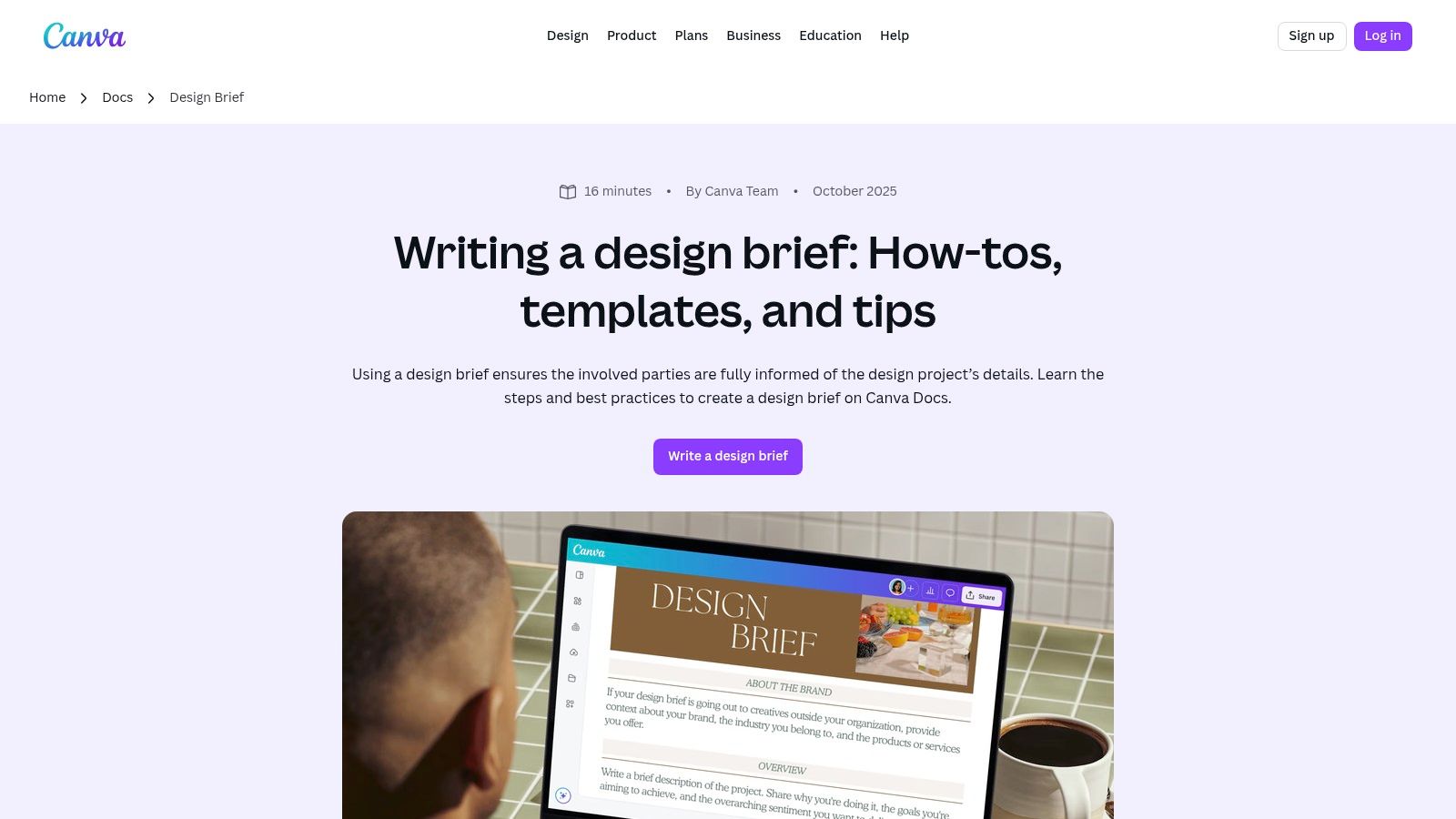
This design brief example lowers the barrier to entry. A founder can quickly draft a brief covering objectives, audience, and scope. Then, share a link for real-time collaboration. Your team can add comments or embed mock-ups directly in the doc.
What it’s good for
- Radical accessibility: Canva’s strength is its simplicity. The drag-and-drop editor means anyone can contribute without training.
- All-in-one ecosystem: For teams already using Canva, creating the brief in the same platform is a huge win. Link directly to existing brand assets or a draft pitch deck.
- Template-driven efficiency: Canva offers a library of pre-built design brief templates. You get a structured starting point. This reduces the time to kick off a project.
A quick example
Use Canva Docs to create a "living" brief that acts as a project dashboard. Embed charts, videos, and links to research. Use real-time comments for review sessions. This turns the brief from a static mandate into a dynamic conversation.
Get the template: Canva Design Brief
3. Miro – for collaborative workshops
Miro’s Design Brief template is a digital whiteboard. It turns brief creation into a live, co-creation event. It is ideal for project kickoffs where immediate team alignment is critical. This template is an infinite canvas for structured brainstorming.
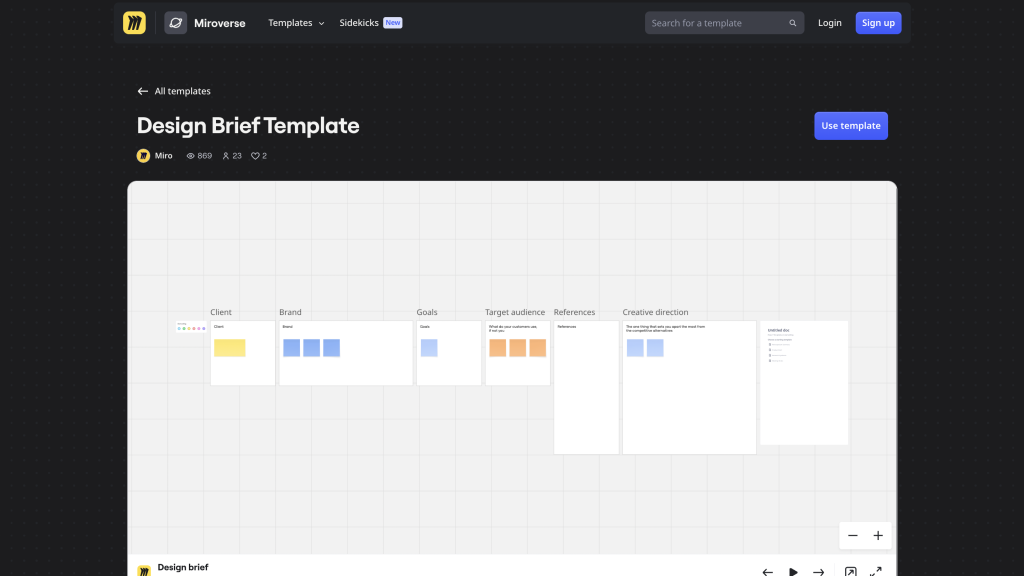
This design brief example excels at real-time alignment. Founders can lead teams through exercises like stakeholder mapping and competitive analysis in one shared space. It captures the messy, early-stage ideation process and organizes it into a coherent plan.
What it’s good for
- Workshop-driven facilitation: Miro is built for live workshops. Guide your team through the brief section by section. Use timers for brainstorming sprints and voting tools to prioritize ideas.
- Infinite canvas for scale: Unlike a fixed document, Miro’s canvas can expand. Start with the brief, then build out user personas and wireframes right next to it. This creates a single source of truth.
- Rich template ecosystem: The Miroverse community offers hundreds of templates. You can easily find a specialized version or combine it with a SWOT analysis framework.
A quick example
Use this template to host a dedicated kickoff workshop. Set an agenda and invite all key stakeholders. Encourage your team to use sticky notes, images, and diagrams. The goal is to generate shared understanding, not a perfect document.
Get the template: Miro Design Brief Template
4. Milanote – for visual thinkers
Milanote is for the creative mind that thinks in mood boards. It frames the design brief as a free-form, visual canvas. This makes it ideal for projects where aesthetic and feel are critical. You can pull together inspiration, notes, and requirements into one cohesive board.
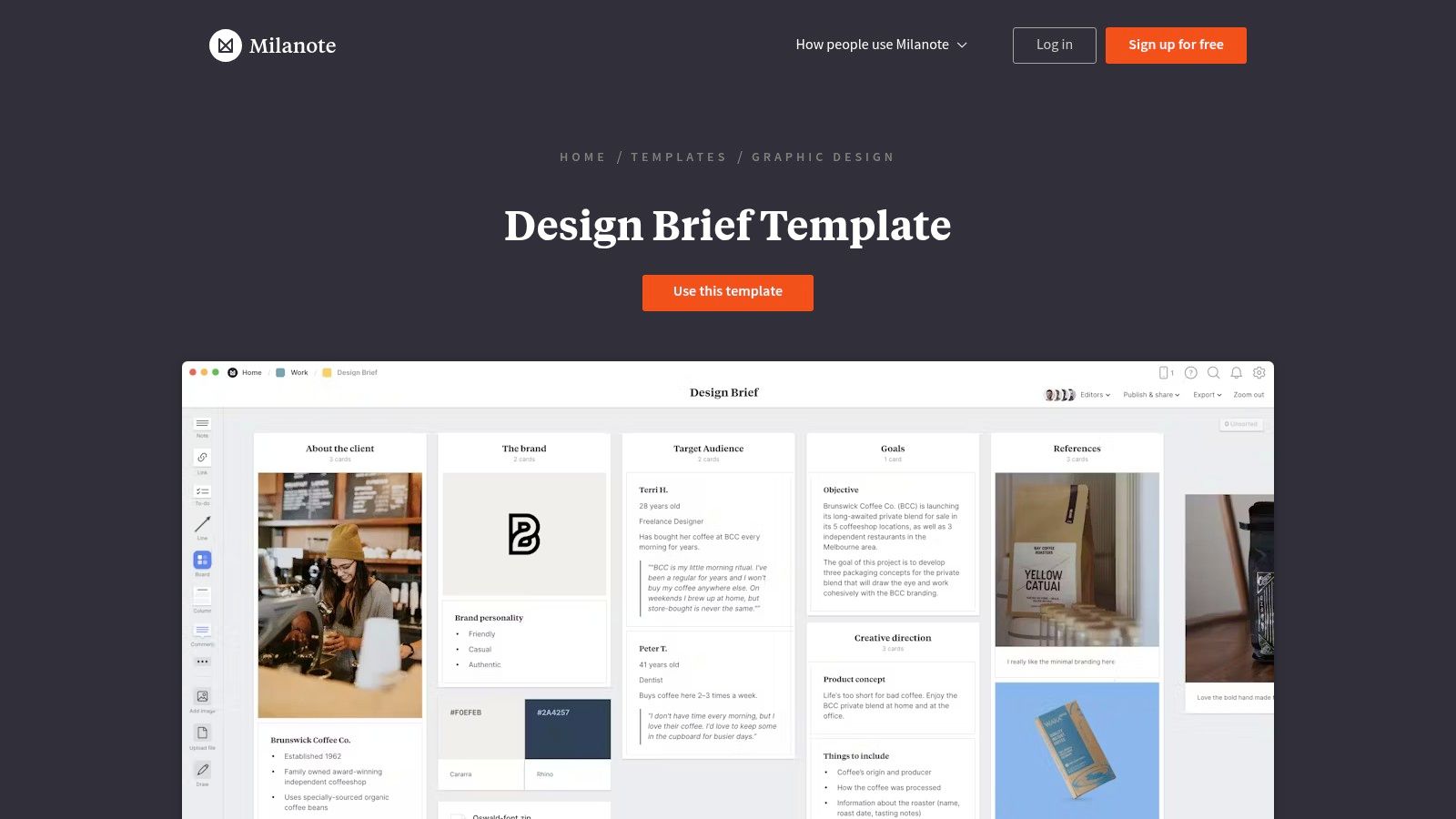
This design brief example shines in its flexibility. Milanote offers specific templates for different outputs, like website design or illustration. Teams can start with a structure that’s already 80% aligned with their project’s needs.
What it’s good for
- Visual-first ideation: Milanote’s strength is its unstructured environment. It’s perfect for the early stages of a pitch deck. Visually map out your audience and build a mood board to define your brand identity.
- Specialized templates: The platform offers a variety of brief templates. Starting with a "Brand Identity Brief" ensures foundational elements like color and typography are defined early.
- Simplified client sharing: Share Milanote boards with a simple link for comments. You can also export boards as high-quality PDFs for a professional deliverable.
A quick example
Use Milanote to build a "brand essence" board. Drag in images that evoke the desired feeling. Add notes with keywords about your brand’s personality. Share this board with your team for quick aesthetic alignment.
Get the template: Milanote Design Brief Template
5. Notion – the integrated project hub
For teams running on Notion, the official Design Brief Template is a powerhouse. It transforms the brief from a document into the central hub for your entire design project. It connects your strategy directly to execution.
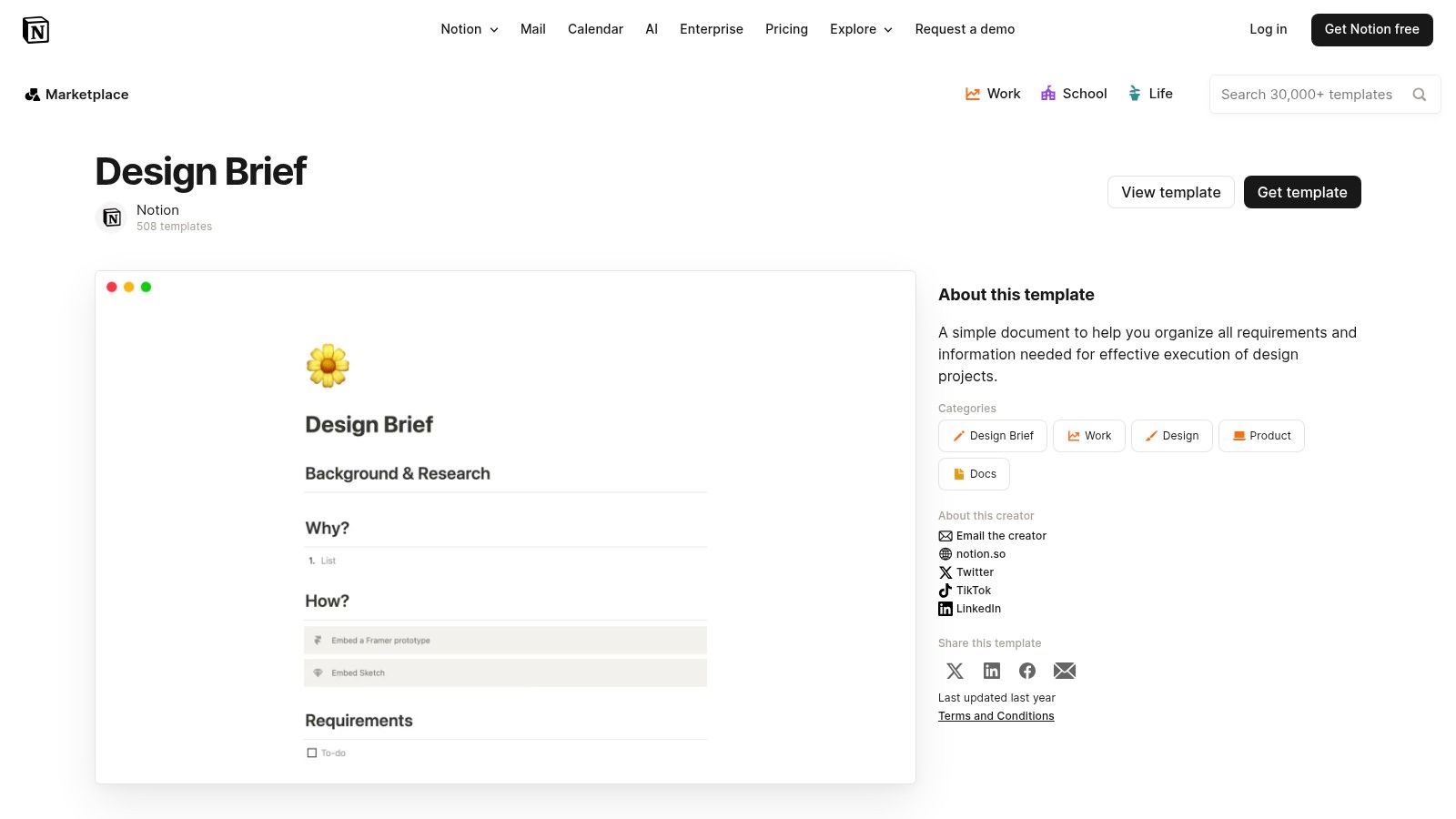
This design brief example treats the brief as a starting point. Founders can define objectives and immediately link them to tasks in a project tracker or asset database. It’s endlessly customizable, letting you add everything from mood boards to Gantt charts.
What it’s good for
- Integrated project management: Link the brief’s components to other Notion databases. A "deliverable" in the brief can link to a Kanban board of tasks. This creates a single source of truth.
- Structured flexibility: Notion’s power is its adaptability. Add custom properties for status tracking. Assign owners with @mentions. Embed Loom videos or InVision prototypes. A clear design brief definition helps you structure it effectively.
- Easy collaboration: Duplicate the template into any workspace with one click. The free plan is robust enough for most startups.
A quick example
Use this template to build a project command center. Link your "Key Stakeholders" section to your team directory. Connect your "Timeline" to a master project calendar. This ensures your brief actively guides the project from start to finish.
Get the template: Notion Design Brief Template
6. Envato Elements – for polished documents
Envato Elements provides downloadable templates for founders who need a polished brief from day one. It focuses on high-quality documents in formats like PowerPoint and Google Slides. This is ideal for creating a formal, client-facing document.
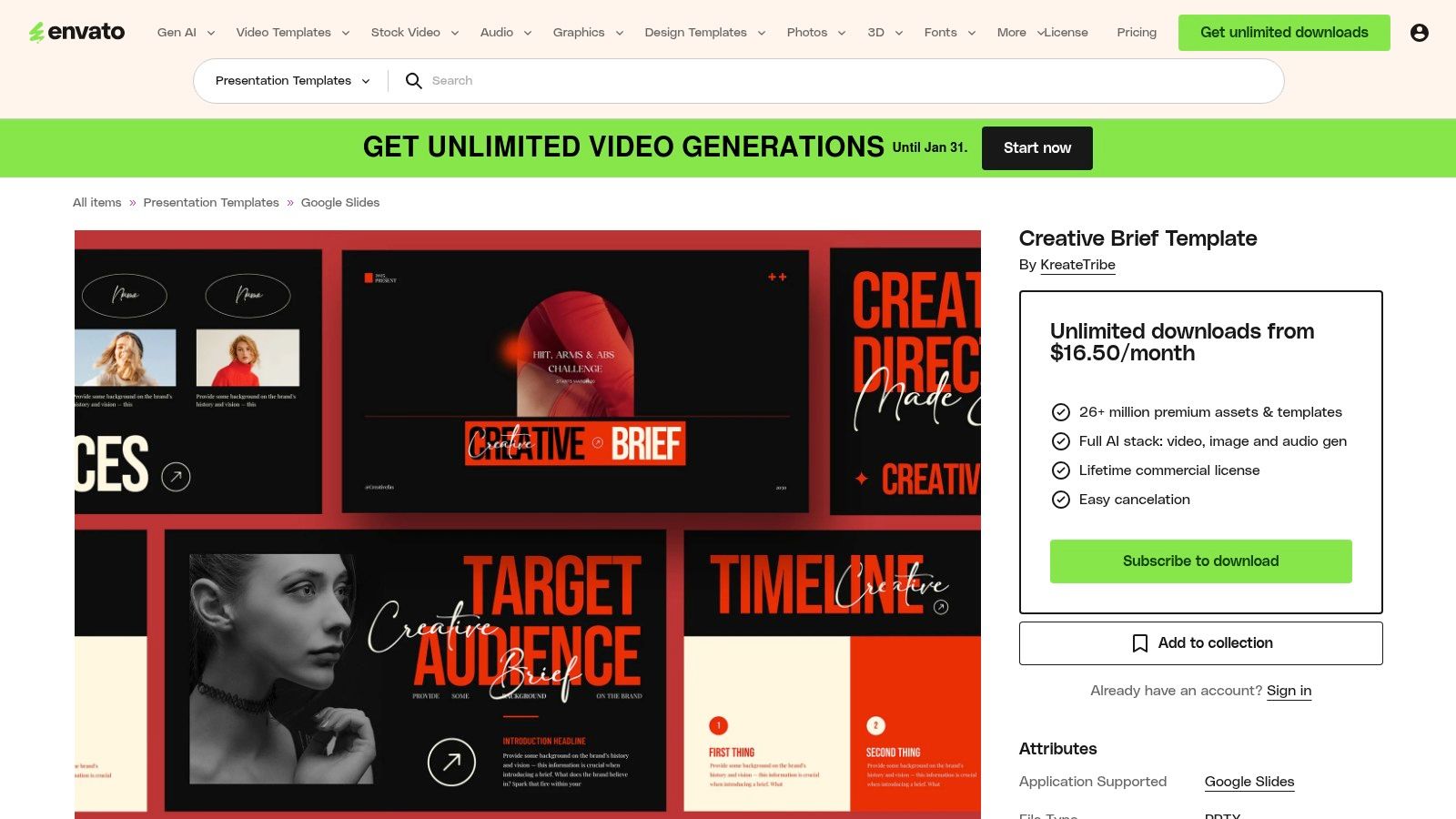
This design brief example offers a polished, repeatable template you can quickly customize. For founders briefing external teams, this ensures professionalism from the first interaction. The focus is on the final deliverable.
What it’s good for
- Presentation-ready polish: These templates are designed by professionals. They look like finished presentations, not working documents. This elevates your project’s perception.
- Format flexibility: Envato offers templates in PowerPoint, Google Slides, and Adobe InDesign. Work in the environment you’re most comfortable with.
- Structured professionalism: Templates come with pre-built sections for objectives, deliverables, and timelines. This structure helps you decide how to choose the right pitch deck designers by providing them with clear instructions.
A quick example
Use Envato when the brief itself is a key stakeholder deliverable. Select a template that matches your company’s brand. Fill the pre-designed slides with text and key visuals. This turns the brief into a formal project kickoff document.
Get the template: Envato Elements Creative Brief Template
7. Etsy – for quick, affordable templates
Etsy offers a marketplace for design brief templates. It’s a quick, no-frills solution without a subscription. Sellers provide affordable, one-time purchase templates, often as editable Canva or Google Doc files. This is great for startups on a lean budget.
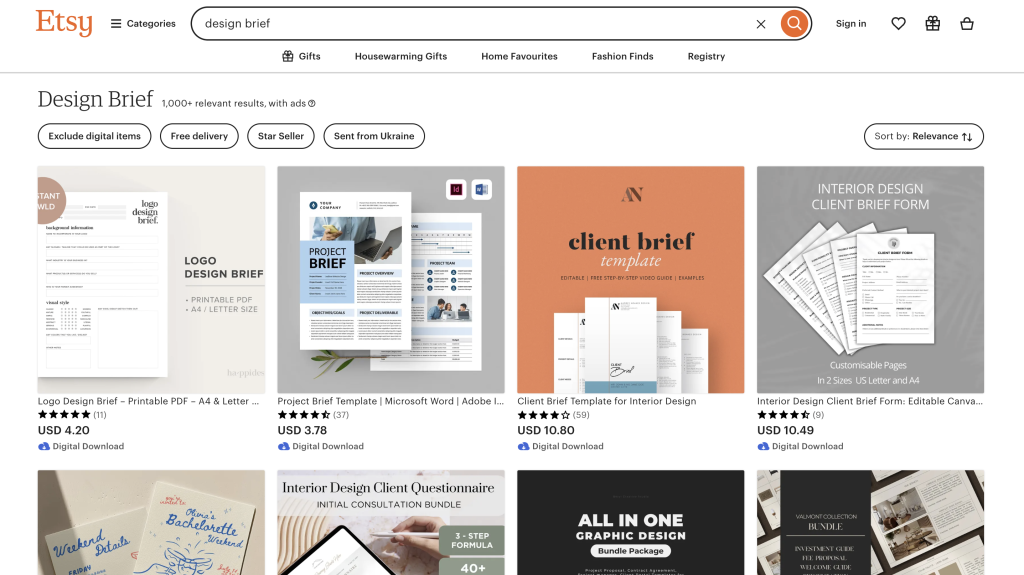
This design brief example stands out for its simplicity and cost. You get an instant digital download and can start editing in a familiar tool like Canva. It’s an efficient way to get a well-structured document fast.
What it’s good for
- Low barrier to entry: A low, one-time cost of $5 to $20 removes financial friction. This is a major advantage for bootstrapped companies.
- Variety and customization: The marketplace offers a vast selection of styles. Find a template that matches your brand’s aesthetic. They are often fully customizable.
- Immediate access: You receive a download link instantly after purchase. There’s no learning curve. You can have a first draft done in under an hour.
A quick example
Use Etsy to find a template that covers 80% of your needs. Look for sellers with high ratings. Customize it by adding a section specific to your pitch deck’s narrative arc. This small investment can save hours of formatting.
Get the template: Etsy Creative Brief Template Example
A simple checklist for your design brief
Every winning design brief answers the same core questions. Use this checklist to make sure you’ve covered the essentials before you send it to your designer.
- Project overview: What are we creating and why? (e.g., a 15-slide pitch deck for our seed round).
- Company background: Who are we? What is our mission? (A one-sentence summary).
- Objectives: What is the #1 goal of this project? (e.g., secure 5 meetings with tier-1 VCs).
- Target audience: Who is this for? Be specific. (e.g., partners at early-stage SaaS funds in the US).
- Key message: What is the one thing they must remember? (e.g., our AI platform cuts customer support costs by 40%).
- Competitors: Who are our top 2-3 competitors? What do we do better?
- Tone & style: How should it feel? (e.g., professional, data-driven, and bold).
- Deliverables: What specific assets do you need? (e.g., PDF, editable PPTX file).
- Timeline & budget: When is the deadline? What is the budget?
- Stakeholders: Who has the final say?
Final thoughts
A well-structured brief is the foundation of your pitch deck. The best briefs are specific, concise, and rooted in business goals. They don’t just ask for a "good design." They define what "good" means for your fundraising goal.
As you move forward, remember these core principles from each design brief example:
- Clarity over complexity. Use plain language. Your designer should spend time designing, not deciphering your brief.
- Audience is everything. A brief for a pre-seed round looks different from one for a series C. Define your audience.
- Constraints breed creativity. Clearly define your non-negotiables. This includes brand guidelines and mandatory slides.
The best design brief example is the one you actually use. The goal is to create a shared understanding that aligns your vision with your designer’s execution. This alignment turns a standard presentation into a fundable pitch deck.
A powerful brief is your first step. A world-class design is next. If you need a pitch deck engineered to resonate with investors, the team at Pitchili can help translate your brief into a compelling visual narrative that gets results.
